TYLTyler Technologies
Tyler Technologies, Inc. (“Tyler” or “Company”) is a leading provider of integrated software and technology management solutions for the public sector. 10-K, Item 1
- Employees
- 7,800
- Headquarters
- Plano, TX
- CEO
- H. Lynn Moore Jr
- Next results
- around Feb 10, 2027
Key numbers
Latest fiscal year, with ten years behind eachWhat changed
10-K filed Feb 18, 2026 against Feb 19, 2025| Area | What changed | Source |
|---|---|---|
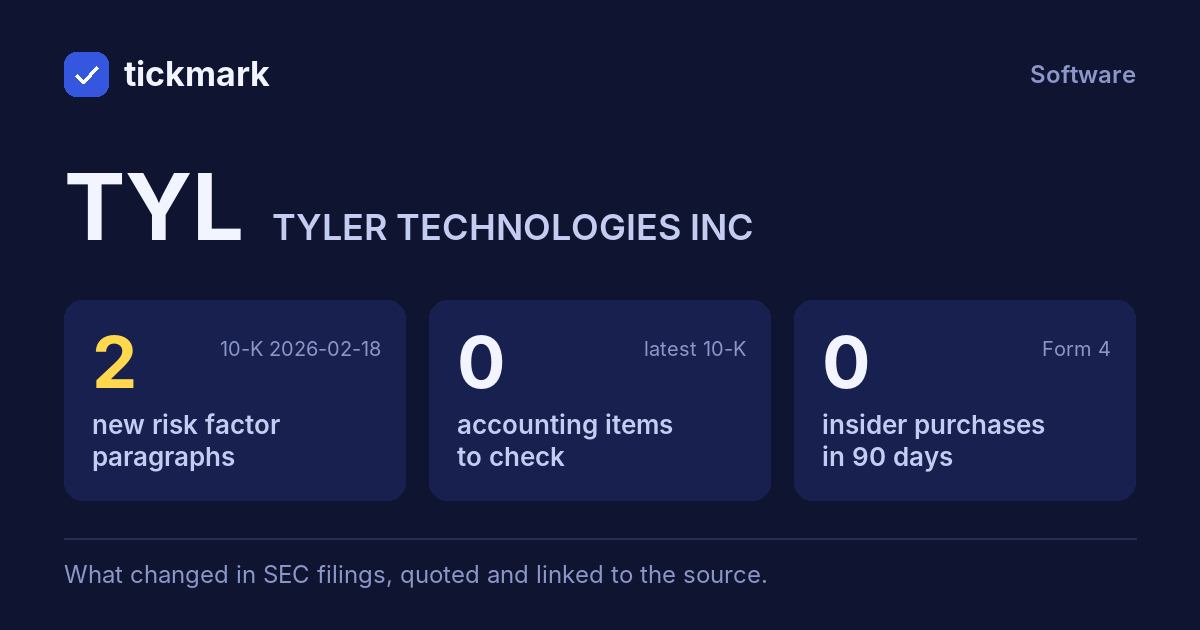
| Risk factors | 2 new paragraphs, nothing like them in the previous 10-K | 10-K Item 1A |
| Accounting checks | 9 other checks clear | 10-K · XBRL |
| Insiders | No open-market buys in the last 90 days | Form 4 |
| Filings | 2 in the last 30 days | EDGAR |
Each row opens the detail with the quote and the filing. A row is a change worth reading, not a verdict.
What's new, in their words
10-K filed Feb 18, 2026Paragraphs in Risk Factors that were not in the 10-K filed 2025-02-19. Quoted as filed.
We must timely adapt to and implement technological changes to be remain competitive.
10-K, Item 1A
Accounting checks
latest 10-K9 of 9 clear 0 worth a look. Checks, not verdicts.
- ✓Receivables +8.7% vs revenue +9.1% (-0.4 pts)
- ✓Cash from operations $653.5M vs net income $315.6M (FY ending 2025-12-31)
- ✓Same auditor in both 10-Ks: Ernst & Young LLP
- ✓No statement of substantial doubt about going concern
- ✓No 8-K item 4.02 in the last 2 years
- ✓No NT 10-K or NT 10-Q in the last 2 years
- ✓No sentence in the 10-K concludes that controls were not effective because of a material weakness
- ✓No 8-K item 2.06 in the last 2 years
- ✓No 8-K item 1.03 in the last 2 years
In the last 30 days
All filings →- Oct 28, 20268-K Quarterly results 8-K item 2.02
- Oct 28, 202610-Q Quarterly report (10-Q) period ended Sep 30, 2026
Get an email when this changes: new risk paragraphs, accounting items, insider purchases, a new 10-K or 10-Q.
RSS feed
Work on TYL in a spreadsheet:
Excel workbook (a sheet per section, ten years by column, charts, links to the filings) ·
CSV.
For a Google Sheet that stays up to date, paste =IMPORTDATA("https://tickdelta.com/company/TYL/export.csv") into a cell.