APOApollo Global Management
- Employees
- 6,140
- Headquarters
- New York, NY
- CEO
- Marc J. Rowan
- Next results
- around Jan 1, 2027
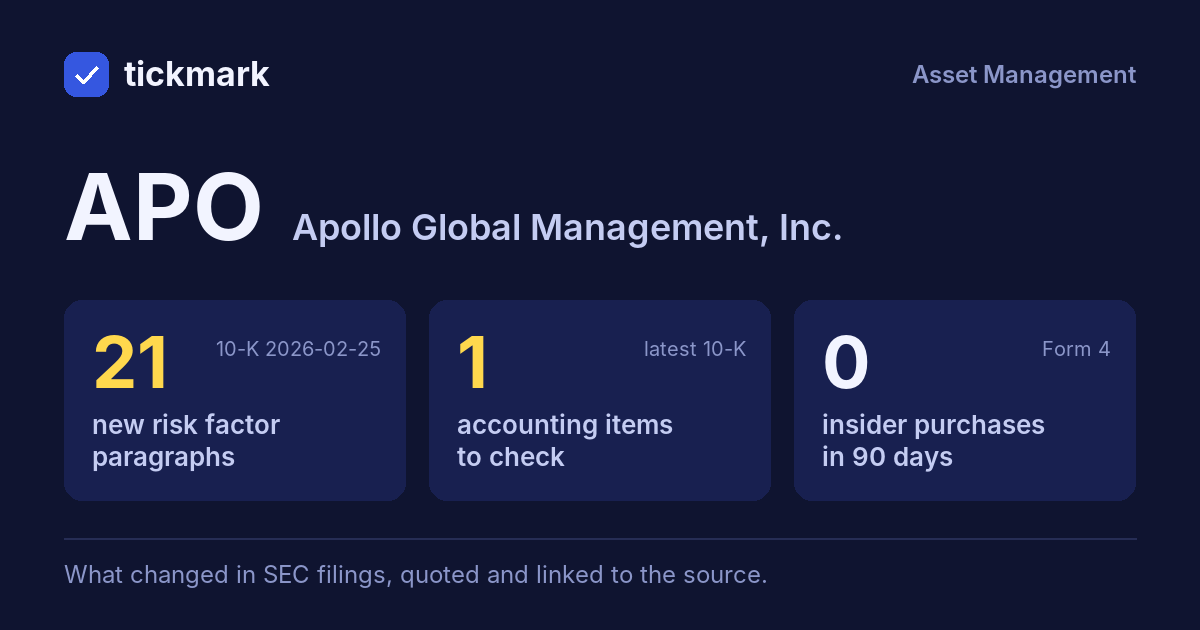
The biggest changes in the 10-K filed 2026-02-25, this fiscal year against the last, and the sentences in the MD&A (Item 7) where management explains them, quoted word for word. Tickdelta picks sentences that name the line, a direction and a cause. It does not write explanations of its own.
Cash from operations
+122.7% Big change FY to 2025-12-31 vs 2024-12-31The MD&A has no sentence that names a cause for this change. That can be worth a question: ask about the filing.
Net income
-23.7% Big change FY to 2025-12-31 vs 2024-12-31“The decrease in other income (loss), net of $291 million was primarily driven by the expense related to the issuance of common stock to the Apollo DAF, derivative losses primarily on forward contracts, and losses from changes in the tax receivable agreement liability, partially offset by a decrease in the earnout expense associated with a previous acquisition.”
Read it in the 10-K ↗
Revenue
+22.7% Big change FY to 2025-12-31 vs 2024-12-31“Revenues were $5.0 billion in 2025, an increase of $824 million from $4.2 billion in 2024, primarily driven by an increase in management fees and advisory and transaction fees, net, and incentive fees, partially offset by a decrease in investment income.”
Read it in the 10-K ↗
“Revenues of consolidated VIEs were $2.5 billion in 2025, an increase of $648 million from $1.8 billion in 2024, primarily driven by growth and investment performance within AAA related to favorable returns on the underlying assets, strong performance from newly consolidated VIEs, including AAA Lux, a favorable change in the fair value of mortgage loans held in VIEs related to a decrease in U.S.”
Read it in the 10-K ↗
Changes are computed from the XBRL figures in the same 10-K. Hover a number to see the line item. Open the 10-K ↗
Work on APO in a spreadsheet:
Excel workbook (a sheet per section, ten years by column, charts, links to the filings) ·
CSV.
For a Google Sheet that stays up to date, paste =IMPORTDATA("https://tickdelta.com/company/APO/export.csv") into a cell.