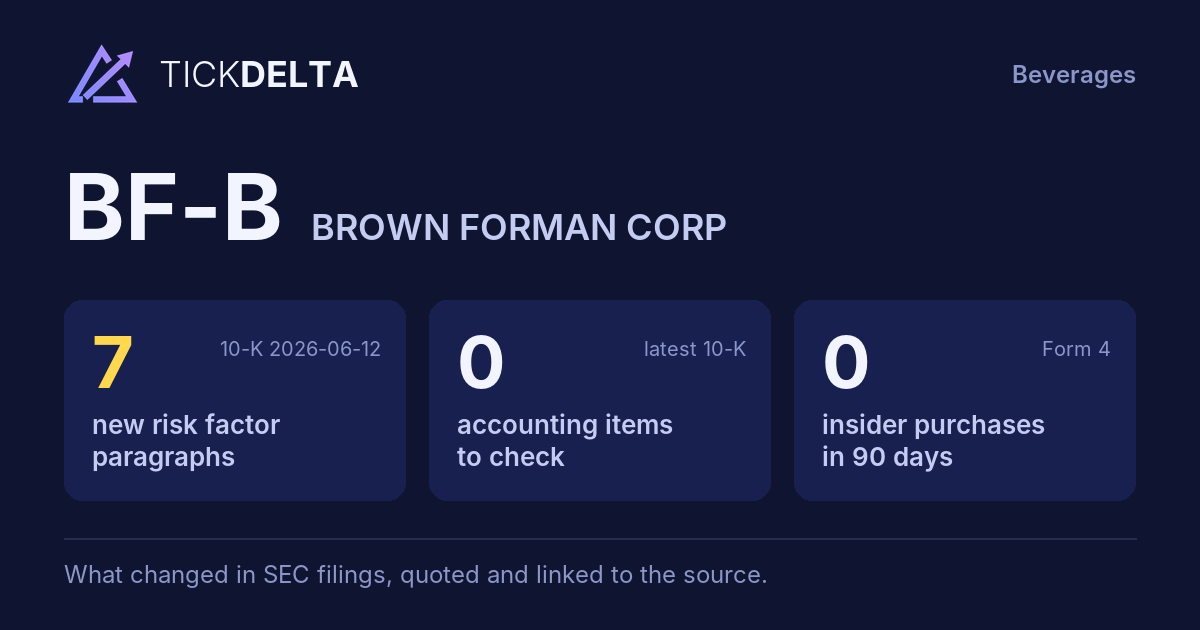
What the 10-K filed 2026-06-12 says about risks that are not on the face of the balance sheet, from the notes to the financial statements, Legal Proceedings and the MD&A (and, for big customers and key suppliers, Business and Risk Factors). Tickdelta picks sentences with specifics (amounts, accruals, covenant ratios) and quotes them as filed. New marks a sentence with nothing like it in the 10-K filed 2025-06-13.
Big customers
2 newCustomers the company names as a large share of revenue or receivables (it must name any worth 10% of revenue).
New “Our two largest customers accounted for 13% and 11% of consolidated net sales in both 2024 and 2025.”
Read it in the 10-K ↗
New “Our largest customer accounted for 10% of consolidated net sales in 2026.”
Read it in the 10-K ↗
Key suppliers
Parts or manufacturing that depend on one or a few suppliers.
No specific sentence about this in the 10-K.
Lawsuits and legal claims
Pending cases, settlements and what the company has set aside for them.
“Sometimes plaintiffs seek substantial damages.”
Read it in the 10-K ↗
“No material accrued loss contingencies are recorded as of April 30, 2026.”
Read it in the 10-K ↗
Guarantees and indemnities
Promises to pay someone else's debts or losses if they cannot.
No specific sentence about this in the 10-K.
Debt covenants
Conditions in loan agreements that, if broken, can make debt due early.
“The senior notes contain terms, events of default, and covenants customary of these types of unsecured securities, including limitations on the amount of secured debt we can issue.”
Read it in the 10-K ↗
Commitments off the balance sheet
Contracts the company must pay for later: purchase obligations, take-or-pay deals.
No specific sentence about this in the 10-K.
Sentences are chosen by their words, not read by AI, so some can be off topic. Always check the filing. Open the 10-K ↗
Work on BF-B in a spreadsheet:
Excel workbook (a sheet per section, ten years by column, charts, links to the filings) ·
CSV.
For a Google Sheet that stays up to date, paste =IMPORTDATA("https://tickdelta.com/company/BF-B/export.csv") into a cell.