First Industrial Realty Trust Inc FR
Paragraphs with nothing like them in last year's 10-K
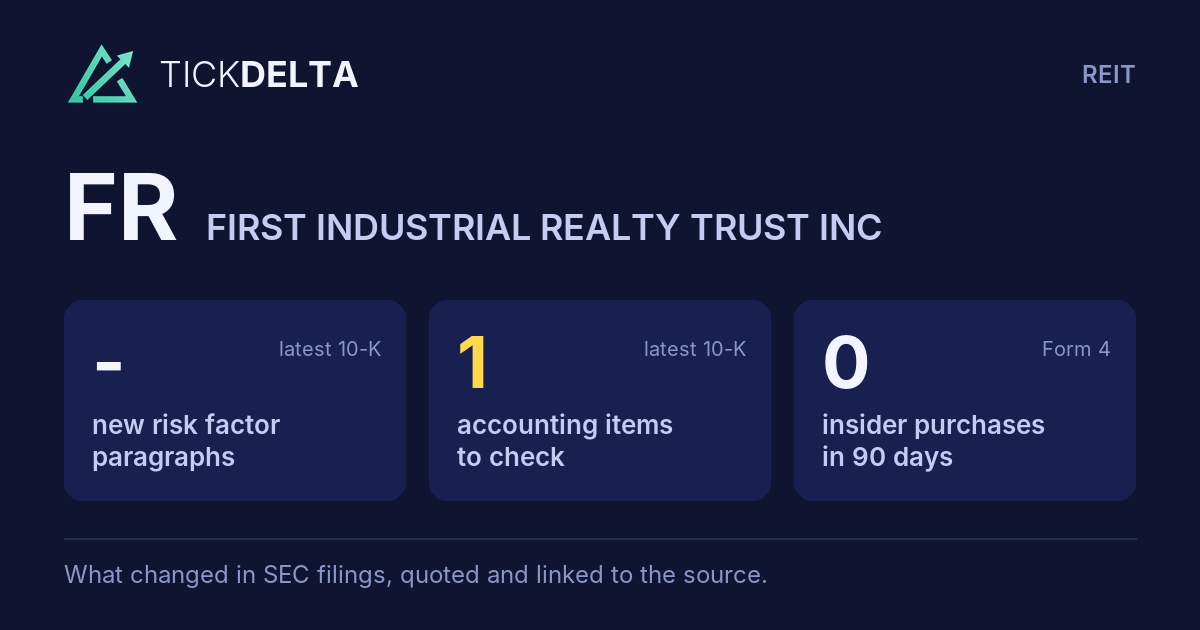
Risk Factors could not be compared with last year's 10-K, so new paragraphs are not counted. The sections that were compared are under 10-K change.
Paragraphs in the 10-Q filed Oct 22, 2026 that were not in the one before
New in the latest 10-Q
0 paragraphs in the 10-Q filed Oct 22, 2026 with nothing like them in the 10-Q filed Jul 23, 2026 (at least half the words must differ; new numbers alone do not count). Quoted exactly, grouped by the item heading above them. This is text that changed, not a judgement of how serious it is.
Nothing in the latest 10-Q is new compared with the one before it.
The 10-Q's risk factors against the 10-K
Item 1A of the 10-Q filed Oct 22, 2026 against Item 1A of the 10-K filed Feb 11, 2026.
A 10-Q repeats only the risks that changed, so a 10-K paragraph that is missing from it is not counted as removed.
Added is a paragraph with nothing like it in the 10-K, Reworded a sentence that is in both with several words changed,
Quiet changes a sentence in both where one to four words changed and one is a hedge or a modal
(cut words struck through, new words highlighted).
Text on the page, not a score; each links to the filing at sec.gov.
What the 10-Q itself says about its risk factors:There have been no material changes to the risk factors disclosed in our annual report on Form 10-K for the year ended December 31, 2025, except to the extent factual information disclosed elsewhere in this Form 10-Q relates to such risk factors. For a full description of these risk factors, please refer to "Item 1A. Risk Factors" in our annual report on Form 10-K for the year ended December 31, 2025.
Read in the 10-Q
1 paragraph in the 10-Q's Item 1A, and none of them adds, rewords or quietly edits a paragraph of the 10-K's.
Sources
Item 1A of each 10-K and 10-Q on EDGAR, quoted exactly. Each paragraph links to the filing at sec.gov.
Also
10-K change: what was reworded or cut, section by section.
Work with it
Excel workbook · CSV. Google Sheet that stays up to date: paste =IMPORTDATA("https://tickdelta.com/company/FR/export.csv") into a cell.