KLACKLA Corporation
KLA Corporation and its majority-owned subsidiaries (“KLA” or the “Company,” and also referred to as “we,” “our,” “us” or similar references) are suppliers of industry-leading equipment and services that enable innovation throughout the electronics industry. 10-K, Item 1
- Headquarters
- Milpitas, CA
- CEO
- Richard P. Wallace
- Next results
- around Jan 28, 2027
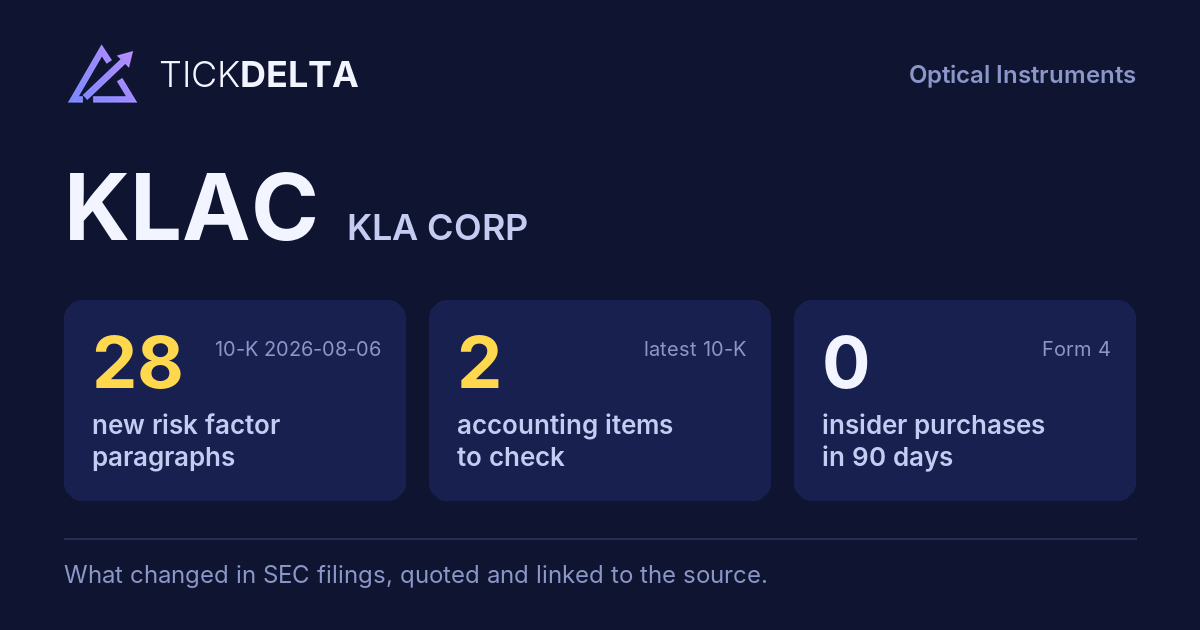
The biggest changes in the 10-K filed 2026-08-06, this fiscal year against the last, and the sentences in the MD&A (Item 7) where management explains them, quoted word for word. Tickdelta picks sentences that name the line, a direction and a cause. It does not write explanations of its own.
Net income
+18.9% Big change FY to 2026-06-30 vs 2025-06-30The MD&A has no sentence that names a cause for this change. That can be worth a question: ask about the filing.
Revenue
+11.7% Big change FY to 2026-06-30 vs 2025-06-30“Despite these dynamics, we delivered higher revenue and net income in fiscal year 2026 compared to fiscal year 2025, driven by increased sales volume and disciplined cost management.”
Read it in the 10-K ↗
“The 12% increase in total revenues in the fiscal year ended June 30, 2026 compared to the prior fiscal year was primarily driven by higher product revenues resulting from increased leading-edge customer investments in foundry/logic, memory and advanced packaging technologies, supported by strong demand associated with AI and HPC applications.”
Read it in the 10-K ↗
Cash from operations
+1.5% FY to 2026-06-30 vs 2025-06-30The MD&A has no sentence that names a cause for this change. That can be worth a question: ask about the filing.
Changes are computed from the XBRL figures in the same 10-K. Hover a number to see the line item. Open the 10-K ↗
Work on KLAC in a spreadsheet:
Excel workbook (a sheet per section, ten years by column, charts, links to the filings) ·
CSV.
For a Google Sheet that stays up to date, paste =IMPORTDATA("https://tickdelta.com/company/KLAC/export.csv") into a cell.