NWSANews Corp (Class A)
- Employees
- 21,700
- Headquarters
- New York, NY
- CEO
- Robert J. Thomson
- Next results
- around Feb 4, 2027
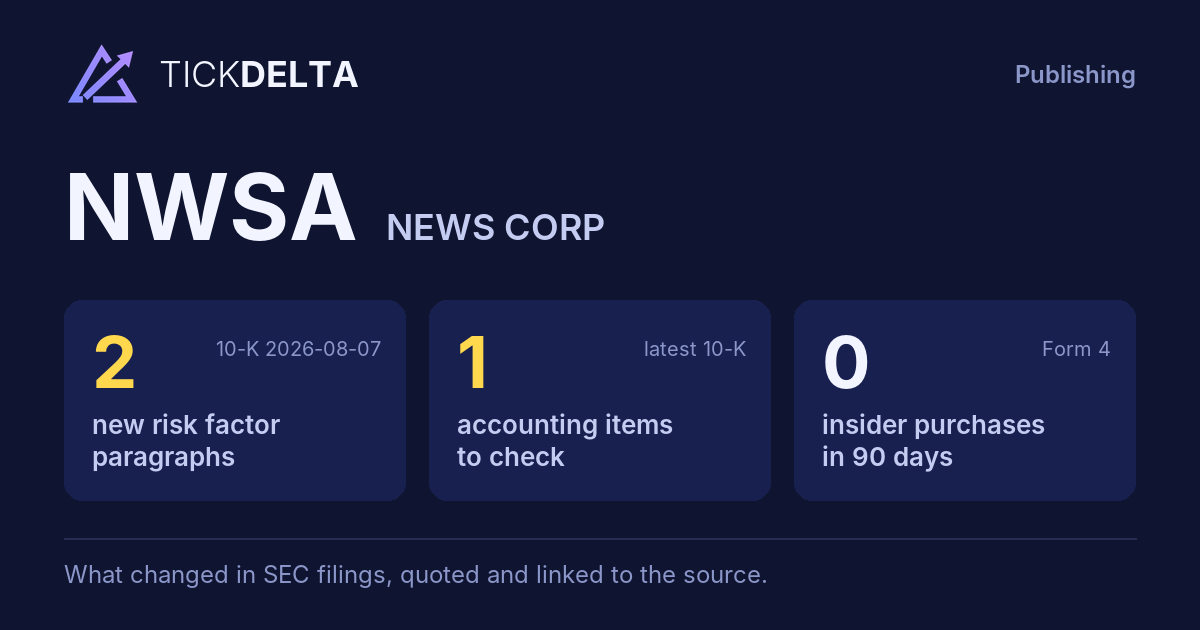
The biggest changes in the 10-K filed 2026-08-07, this fiscal year against the last, and the sentences in the MD&A (Item 7) where management explains them, quoted word for word. Tickdelta picks sentences that name the line, a direction and a cause. It does not write explanations of its own.
Net income
-51.4% Big change FY to 2026-06-30 vs 2025-06-30“Net income from continuing operations—Net income from continuing operations was $743 million for the fiscal year ended June 30, 2026 as compared to $648 million for the fiscal year ended June 30, 2025, an increase of $95 million, or 15%, driven by the factors discussed above.”
Read it in the 10-K ↗
“Net income—Net income was $743 million for the fiscal year ended June 30, 2026, as compared to $1,340 million for the fiscal year ended June 30, 2025, a decrease of $597 million, or 45%, primarily driven by the factors discussed above.”
Read it in the 10-K ↗
Cash from operations
+26.5% Big change FY to 2026-06-30 vs 2025-06-30The MD&A has no sentence that names a cause for this change. That can be worth a question: ask about the filing.
Revenue
+6.8% FY to 2026-06-30 vs 2025-06-30“For the fiscal year ended June 30, 2026, revenues at the Dow Jones segment increased $166 million, or 7%, as compared to fiscal 2025, primarily due to higher circulation and subscription and advertising revenues.”
Read it in the 10-K ↗
“Professional information business revenues increased $85 million, or 9%, primarily due to the $55 million and $23 million increases in Dow Jones Risk & Compliance and Dow Jones Energy revenues, respectively, driven by price increases, new customers and product expansion.”
Read it in the 10-K ↗
Changes are computed from the XBRL figures in the same 10-K. Hover a number to see the line item. Open the 10-K ↗
Work on NWSA in a spreadsheet:
Excel workbook (a sheet per section, ten years by column, charts, links to the filings) ·
CSV.
For a Google Sheet that stays up to date, paste =IMPORTDATA("https://tickdelta.com/company/NWSA/export.csv") into a cell.