ORealty Income
Realty Income (NYSE: O), an S&P 500 company, is real estate partner to the world's leading companies®. Founded in 1969, we serve our clients as a full-service real estate capital provider. 10-K, Item 1
- Headquarters
- San Diego, CA
- CEO
- Sumit Roy
- Next results
- around Feb 23, 2027
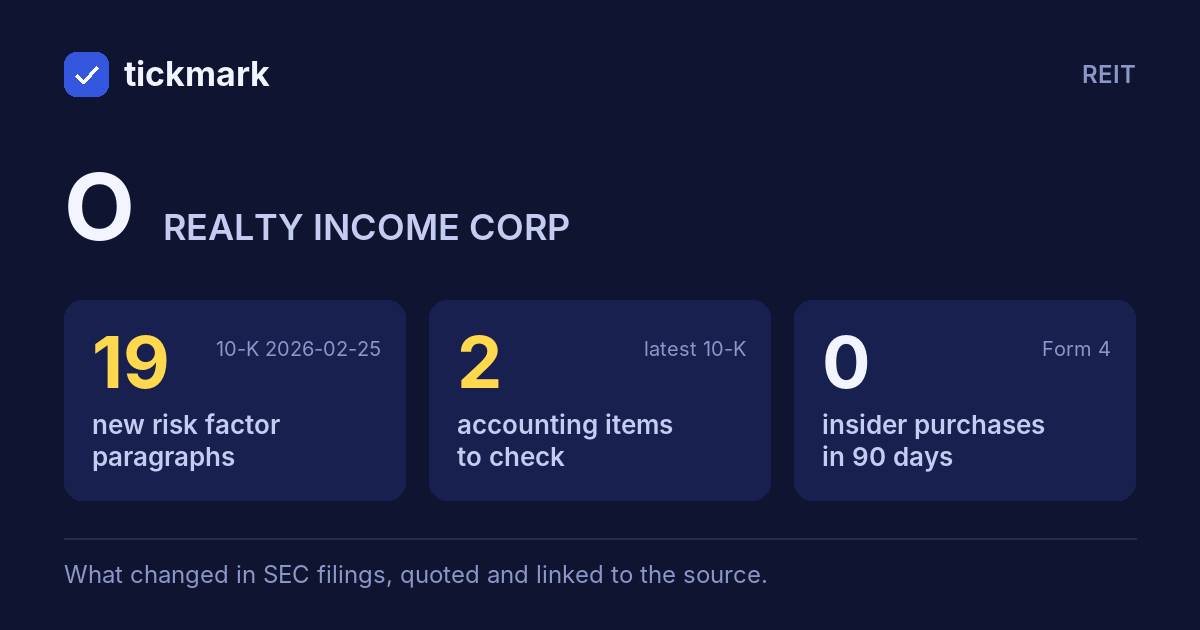
The biggest changes in the 10-K filed 2026-02-25, this fiscal year against the last, and the sentences in the MD&A (Item 7) where management explains them, quoted word for word. Tickdelta picks sentences that name the line, a direction and a cause. It does not write explanations of its own.
Net income
+23.0% Big change FY to 2025-12-31 vs 2024-12-31“Other income, net increased by $5.8 million for the year ended December 31, 2025 as compared to the same period in 2024, primarily from higher interest earned on cash and cash equivalent balances, in addition to higher insurance proceed gains and miscellaneous other income.”
Read it in the 10-K ↗
“Net income attributable to noncontrolling interests increased by $4.6 million for the year ended December 31, 2025 as compared to the same period in 2024, primarily attributable to the launch of the Fund, with the first closing of third-party investments occurring at the beginning of the fourth quarter.”
Read it in the 10-K ↗
Cash from operations
+11.8% Big change FY to 2025-12-31 vs 2024-12-31The MD&A has no sentence that names a cause for this change. That can be worth a question: ask about the filing.
Revenue
+9.1% FY to 2025-12-31 vs 2024-12-31“Total other revenue increased by $84.7 million for the year ended December 31, 2025 as compared to the same period in 2024, primarily due to higher interest income on loans and preferred equity investments driven by growth in our loan portfolio.”
Read it in the 10-K ↗
Changes are computed from the XBRL figures in the same 10-K. Hover a number to see the line item. Open the 10-K ↗
Work on O in a spreadsheet:
Excel workbook (a sheet per section, ten years by column, charts, links to the filings) ·
CSV.
For a Google Sheet that stays up to date, paste =IMPORTDATA("https://tickdelta.com/company/O/export.csv") into a cell.