TAT&T
AT&T Inc. (“AT&T,” “we” or the “Company”) is a holding company incorporated under the laws of the State of Delaware in 1983 and has its principal executive offices at 208 S. Akard St., Dallas, Texas, 75202 (telephone number 210-821-4105). 10-K, Item 1
- Headquarters
- Dallas, TX
- CEO
- John T. Stankey
- Next results
- around Jan 27, 2027
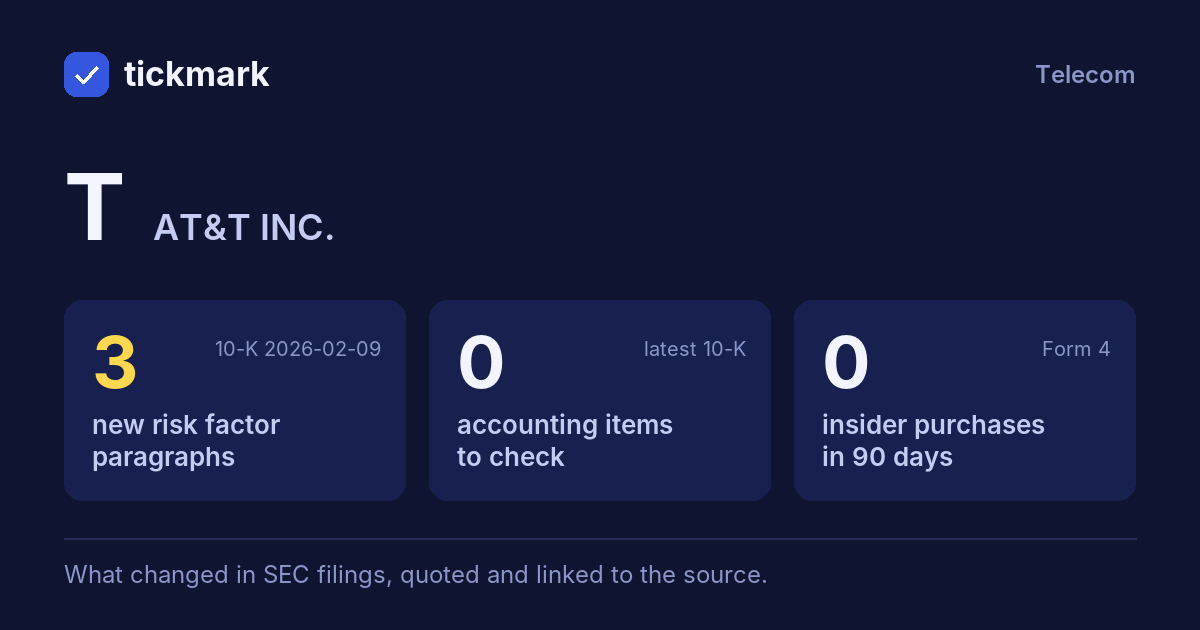
The biggest changes in the 10-K filed 2026-02-09, this fiscal year against the last, and the sentences in the MD&A (Item 7) where management explains them, quoted word for word. Tickdelta picks sentences that name the line, a direction and a cause. It does not write explanations of its own.
Net income
+100.5% Big change FY to 2025-12-31 vs 2024-12-31“Equity in net income of affiliates decreased in 2025, reflecting our sale of DIRECTV in July 2025.”
Read it in the 10-K ↗
Operating margin
15.6% → 19.2% (+3.7 pts) Big change FY to 2025-12-31 vs 2024-12-31“The 2025 operating income reflects an increase in operating income from our Mobility and Consumer Wireline business units, partially offset by a decrease in our Business Wireline business unit.”
Read it in the 10-K ↗
Cash from operations
+3.9% FY to 2025-12-31 vs 2024-12-31“During 2025, cash provided by operating activities was $40,284, compared to $38,771 in 2024, driven by operational growth and lower cash tax payments.”
Read it in the 10-K ↗
Revenue
+2.7% FY to 2025-12-31 vs 2024-12-31“Operating revenues increased in 2025, reflecting higher Mobility and Consumer Wireline revenues, partially offset by declines in Business Wireline.”
Read it in the 10-K ↗
“Operating revenues increased in 2025, driven by increases in Mobility service revenue and our Consumer Wireline business unit, driven by gains in wireless and broadband services.”
Read it in the 10-K ↗
Changes are computed from the XBRL figures in the same 10-K. Hover a number to see the line item. Open the 10-K ↗
Work on T in a spreadsheet:
Excel workbook (a sheet per section, ten years by column, charts, links to the filings) ·
CSV.
For a Google Sheet that stays up to date, paste =IMPORTDATA("https://tickdelta.com/company/T/export.csv") into a cell.