UPSUnited Parcel Service
UPS, founded in 1907, is a global package delivery and logistics provider. 10-K, Item 1
- Employees
- 460,000
- Headquarters
- Atlanta, GA
- Next results
- around Jan 26, 2027
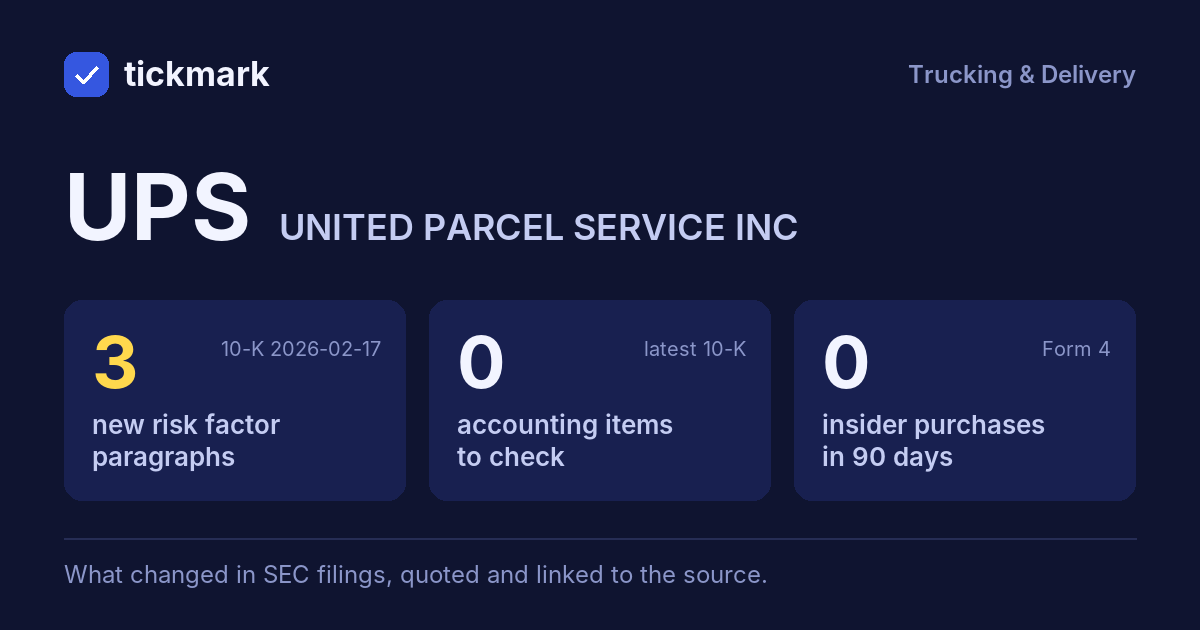
The biggest changes in the 10-K filed 2026-02-17, this fiscal year against the last, and the sentences in the MD&A (Item 7) where management explains them, quoted word for word. Tickdelta picks sentences that name the line, a direction and a cause. It does not write explanations of its own.
Cash from operations
-16.5% Big change FY to 2025-12-31 vs 2024-12-31“Net cash from operating activities decreased $1.7 billion, driven by the following:”
Read it in the 10-K ↗
Operating margin
9.3% → 8.9% (-0.4 pts) FY to 2025-12-31 vs 2024-12-31“Operating expenses decreased in 2025, driven by decreases in purchased transportation expense, primarily attributable to the impact of the Coyote divestiture, the insourcing of our Ground Saver product and a gain from sale-leaseback transactions involving real estate properties within Supply Chain Solutions ("SCS").”
Read it in the 10-K ↗
“Operating expenses decreased in 2025 primarily due to a decline in volume described above.”
Read it in the 10-K ↗
Net income
-3.6% FY to 2025-12-31 vs 2024-12-31The MD&A has no sentence that names a cause for this change. That can be worth a question: ask about the filing.
Revenue
-2.6% FY to 2025-12-31 vs 2024-12-31“Revenue declined in 2025, primarily driven by the impact of the Coyote divestiture, the volume declines described above, and decreases in our Mail Innovations volume.”
Read it in the 10-K ↗
“Fuel surcharge revenue increased $282 million in 2025, as a result of revenue quality actions discussed above which more than offset the impact of lower volume.”
Read it in the 10-K ↗
Changes are computed from the XBRL figures in the same 10-K. Hover a number to see the line item. Open the 10-K ↗
Work on UPS in a spreadsheet:
Excel workbook (a sheet per section, ten years by column, charts, links to the filings) ·
CSV.
For a Google Sheet that stays up to date, paste =IMPORTDATA("https://tickdelta.com/company/UPS/export.csv") into a cell.