Honeywell Technologies HON
6 numbers reported differently in a later 10-K
XBRL, 6 10-KsA change is a restatement (the company says the earlier number was wrong) or a recast: after selling a business, adopting an accounting rule or moving amounts between lines, companies redo past years. The later 10-K's notes say which.
First reported, then reported again
Number by number · each number links to its 10-K
Each bar is the change from the number first reported to the number a later 10-K gives, on one scale.
| Number | Period | First reported | Later reported | Change |
|---|---|---|---|---|
| Revenue RevenueFromContractWithCustomerExcludingAssessedTax · link |
Fiscal year ending Dec 31, 2024 | $38.50B 10-K filed Feb 14, 2025 |
$34.72B 10-K filed Feb 17, 2026 |
-9.8% |
| Operating income OperatingIncomeLoss · link |
Fiscal year ending Dec 31, 2024 | $8.70B 10-K filed Feb 14, 2025 |
$7.67B 10-K filed Feb 17, 2026 |
-11.9% |
| Receivables AccountsReceivableNetCurrent · link |
At Dec 31, 2024 | $7.82B 10-K filed Feb 14, 2025 |
$7.25B 10-K filed Feb 17, 2026 |
-7.3% |
| Inventory InventoryNet · link |
At Dec 31, 2024 | $6.44B 10-K filed Feb 14, 2025 |
$5.88B 10-K filed Feb 17, 2026 |
-8.7% |
| Revenue RevenueFromContractWithCustomerExcludingAssessedTax · link |
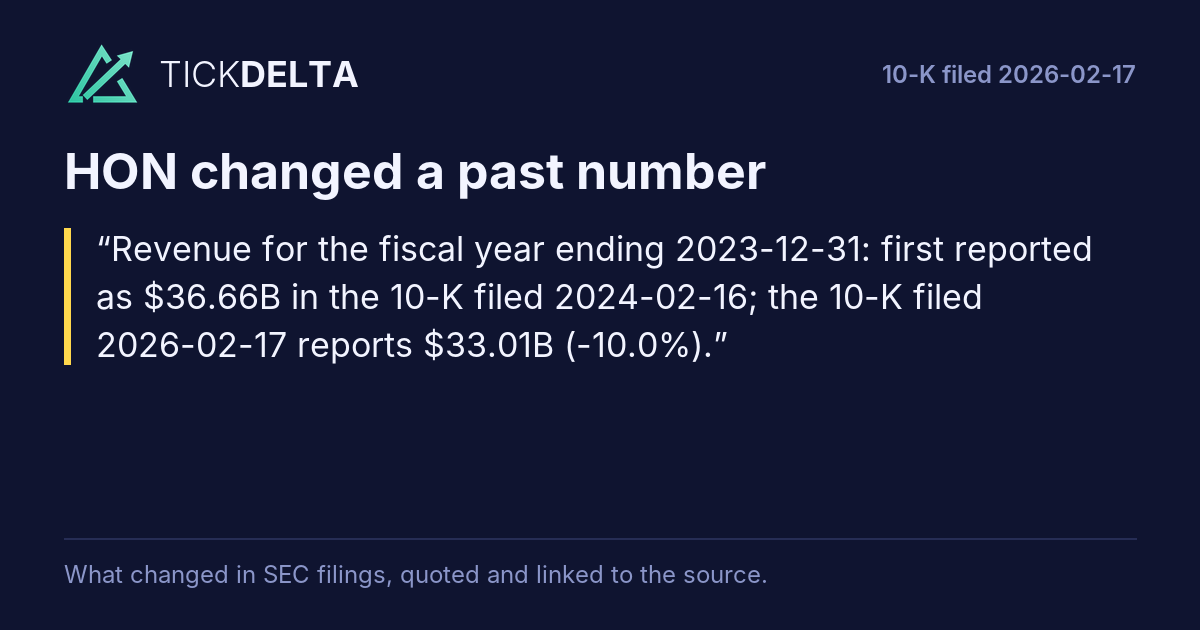
Fiscal year ending Dec 31, 2023 | $36.66B 10-K filed Feb 16, 2024 |
$33.01B 10-K filed Feb 17, 2026 |
-10.0% |
| Operating income OperatingIncomeLoss · link |
Fiscal year ending Dec 31, 2023 | $8.60B 10-K filed Feb 14, 2025 |
$7.56B 10-K filed Feb 17, 2026 |
-12.0% |
From SEC's XBRL company facts (6 10-K filings). Checked: revenue, operating income, net income, cash from operations, total assets, shareholders' equity, receivables and inventory. Per-share numbers are left out because stock splits change them.
Sources
SEC's XBRL company facts: each 10-K's number for a year, against the number a later 10-K gives for the same year and line.
Also
Accounting checks: the checks run on the latest 10-K.
Work with it
Excel workbook · CSV. Google Sheet that stays up to date: paste =IMPORTDATA("https://tickdelta.com/company/HON/export.csv") into a cell.